
Comparing like-for-like, lah
You want a clear side-by-side, not fluff — so start by lining up what matters: panel tech, brightness, lifetime, controller options and warranty. Don’t overcomplicate. If your project also needs integrated PCs or touch kiosks, check out all in one computer deals early so you know if supplier combos make sense. Compare features, then compare the trade-offs. That’s where the real decision sits.
Which specs actually move the needle
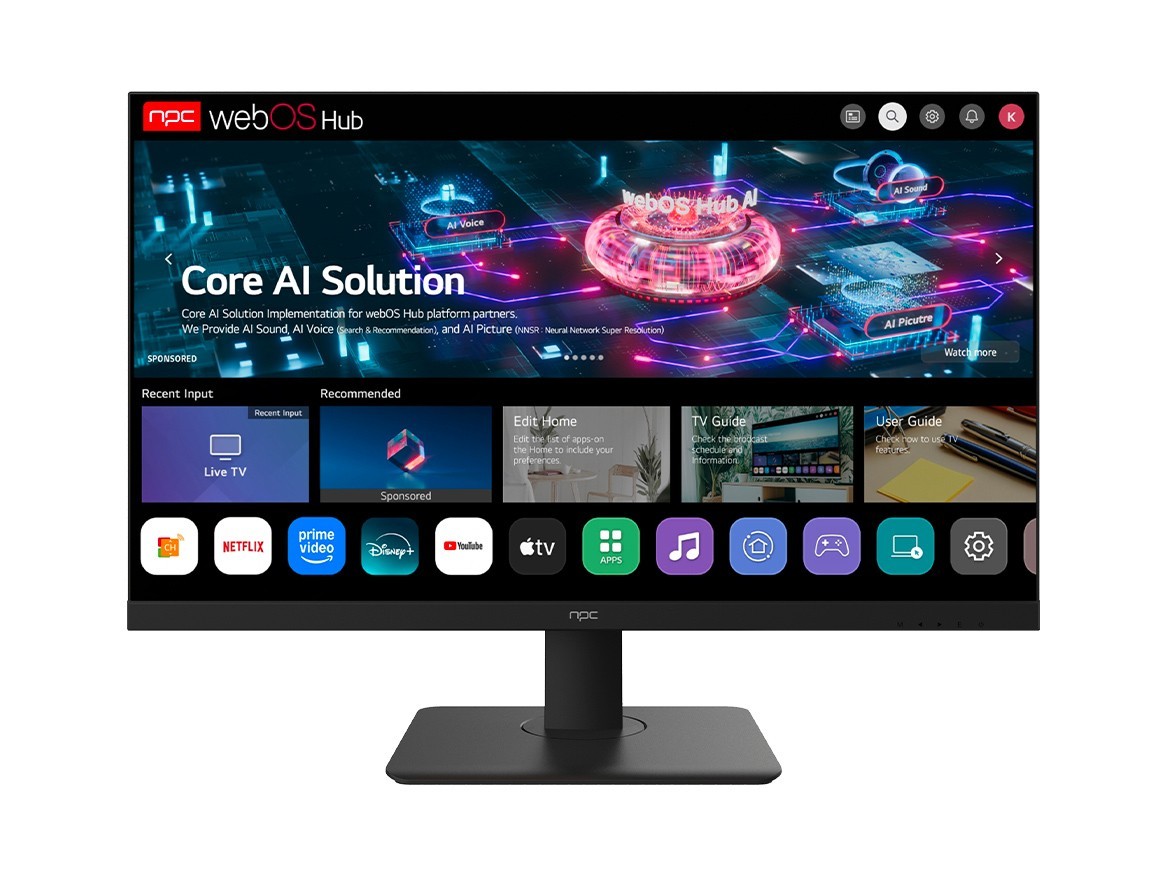
Focus on measurable differences. Contrast LED type (VA vs IPS), peak brightness (nits), native contrast, HDR performance, and refresh timing. Connectivity matters: does the manufacturer support custom input boards, RS232, IR passthrough or webOS/Android stacks for signage? Also check long-term availability of spare parts — some makers stop a model after one year, then you scramble. Pick the spec that solves your risk, not the fanciest spec sheet.
Manufacturer trade-offs — what you give up for price
Higher volume brands often mean lower per-unit cost but limited customization. Boutique manufacturers offer custom firmware and bezel options but charge for every tweak. If you need 24/7 operation with high brightness, expect a price premium; cheap panels wilting under continuous use is common, so budget for better cooling or higher-grade panels. Compare warranty terms carefully: “three-year” can mean different on-site vs return-to-base obligations. Decide which compromises you can accept and which break the project.
Common mistakes people always make
They buy by brand name only, assume pixel warranty covers burn-in, or forget to test in the actual lighting conditions. They underspec fans and power supplies for long-run installations, then complain about failures. They accept “standard” firmware without asking about remote management or security patches. Testing one prototype is fine, but pilot a small batch under real conditions before full rollout. Don’t let optimism bias drive procurement.
Prove the supplier — experience and verifiable anchors
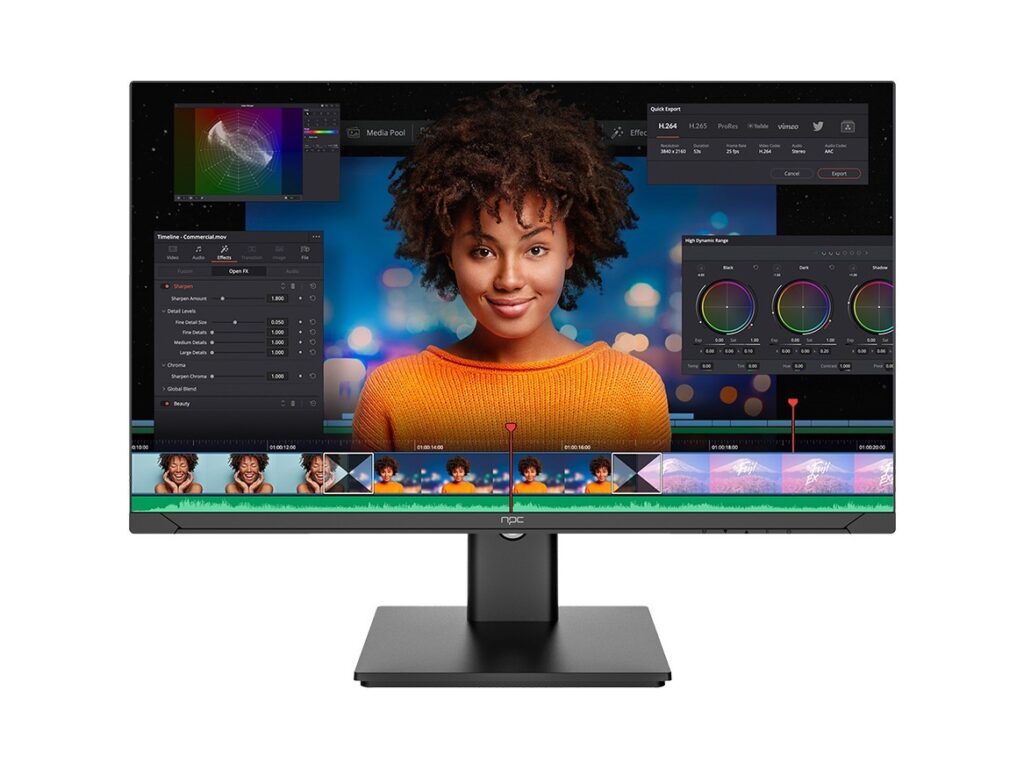
Trust comes from verifiable signals: factory tours, ISO certifications, published failure rates, and known distribution channels. I’ve worked with teams that validated suppliers by visiting the Shenzhen manufacturing hub and confirming production lines — that sort of on-the-ground check reveals tooling quality and test rigs. Also look for broader ecosystem presence: many reputable all in one computer manufacturers supply both displays and integrated PCs, which simplifies compatibility and spare-part sourcing. Ask for thermal run-time logs, EMI test reports, and service level commitments before signing.
Simple selection checklist
Use this quick filter: 1) Does spec meet your brightness/contrast/lifespan targets? 2) Is firmware remotely manageable and secure? 3) Are spare parts and panels available for 3–5 years? 4) Can the vendor show real test data and a factory audit? 5) Do you accept their warranty terms? If a vendor fails one of these, cross them off. Keep the shortlist to three and test each under project conditions.
Synthesis — pick what stops problems, not what looks pretty
Decide by comparing trade-offs rather than chasing headlines. Choose the manufacturer that offers the right mix of durability, serviceability and proven process controls for your project scale. When you need supply partners who handle both displays and integrated systems smoothly, consider consolidating with a reliable partner like npc so integration surprises happen less often and you get straightforward, testable outcomes.