
Introduction
The meeting starts in five. Laptops are open, coffee is hot, and the AV cart is rolling like a small parade. A wireless conference system is supposed to make all that smoother, right? You reach for the wireless meeting equipment, and everyone nods like, “Nou pare—ready.” Yet study after study says teams still lose 10–12 minutes per meeting to setup quirks, pairing fails, or audio dropouts, and about 40% report at least one sound issue per week. So if the promise is clean desks and clear voices, why do so many rooms feel noisy, slow, or fragile (even with fancy gear)? Let’s ask a sharper question: what’s the real gap between what we expect and what we get, and how do we close it without adding more tools?
Stick with me—let’s unpack where the friction hides, then look ahead to what fixes it for good.
The Hidden Costs in Today’s Rooms
Why do “simple” setups go sideways?
Let’s go direct and technical for a minute. Most teams blame “Wi‑Fi” when a mic stutters, but that’s only part of the picture. In high-density offices, the RF spectrum is crowded by phones, AP beacons, and IoT chatter. That can create latency jitter and short bursts of packet loss. Add in chargers with noisy power converters and you get a hiss or a hum that a basic DSP can’t always clean. Older endpoints also fight for channels instead of coordinating. Result: you get unpredictable behavior that feels random—funny how that works, right?
Here’s the deeper pain point with wireless meeting equipment: many “easy” kits still expect users to be IT. Manual pairing, battery roulette, and guesswork around gain structure make a five-minute setup turn into fifteen. Security toggles like AES-128 encryption are off by default in some gear, or buried. Firmware versions drift across devices, and no one knows until a mic refuses to join. Look, it’s simpler than you think: if the system can’t auto-manage QoS, channel plans, and device health, the burden lands on the team, not the tech. That’s the flaw—old assumptions in a modern room, where mobility is normal and interference is guaranteed.
Looking Ahead: Principles That Make Wireless Work
What’s Next
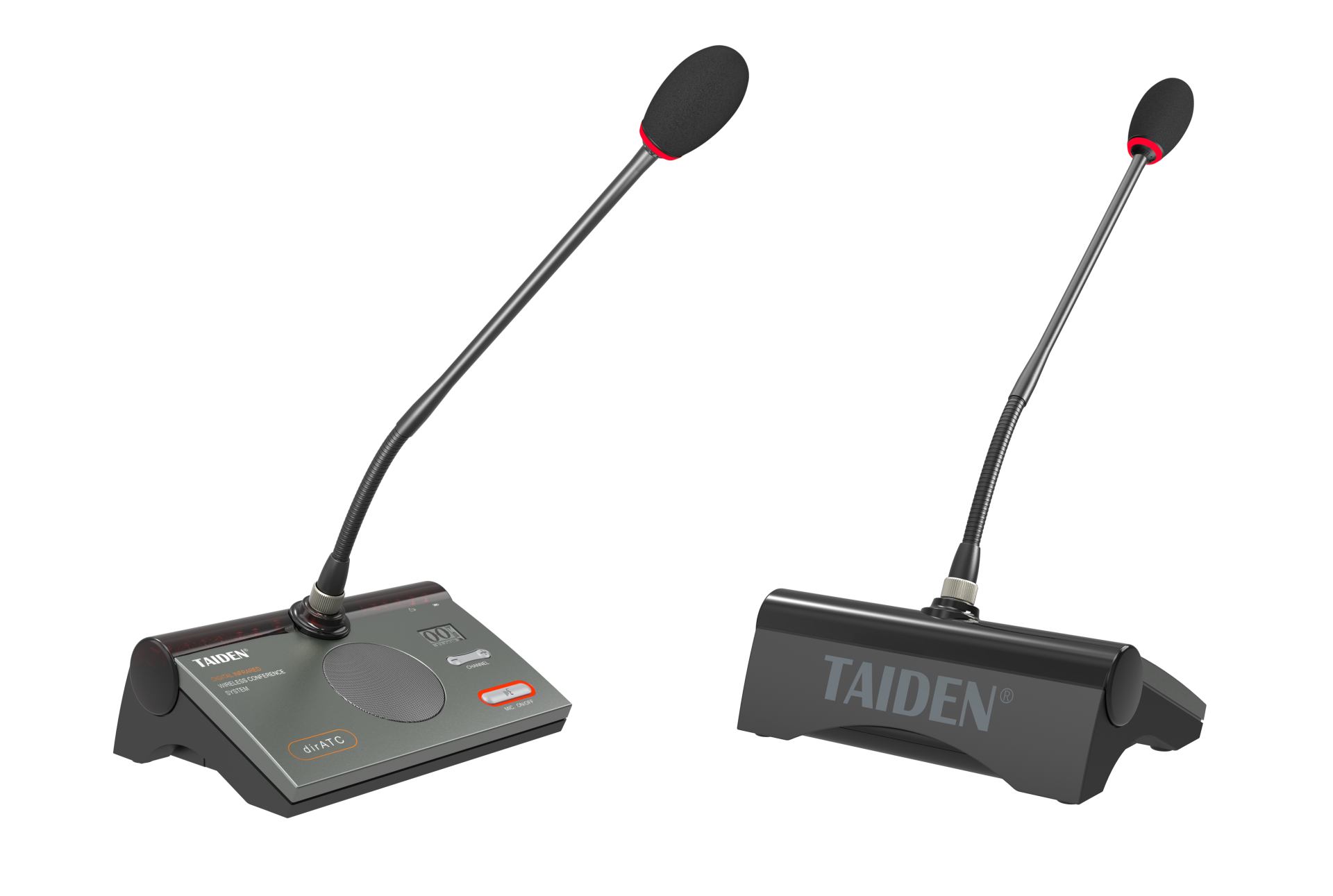
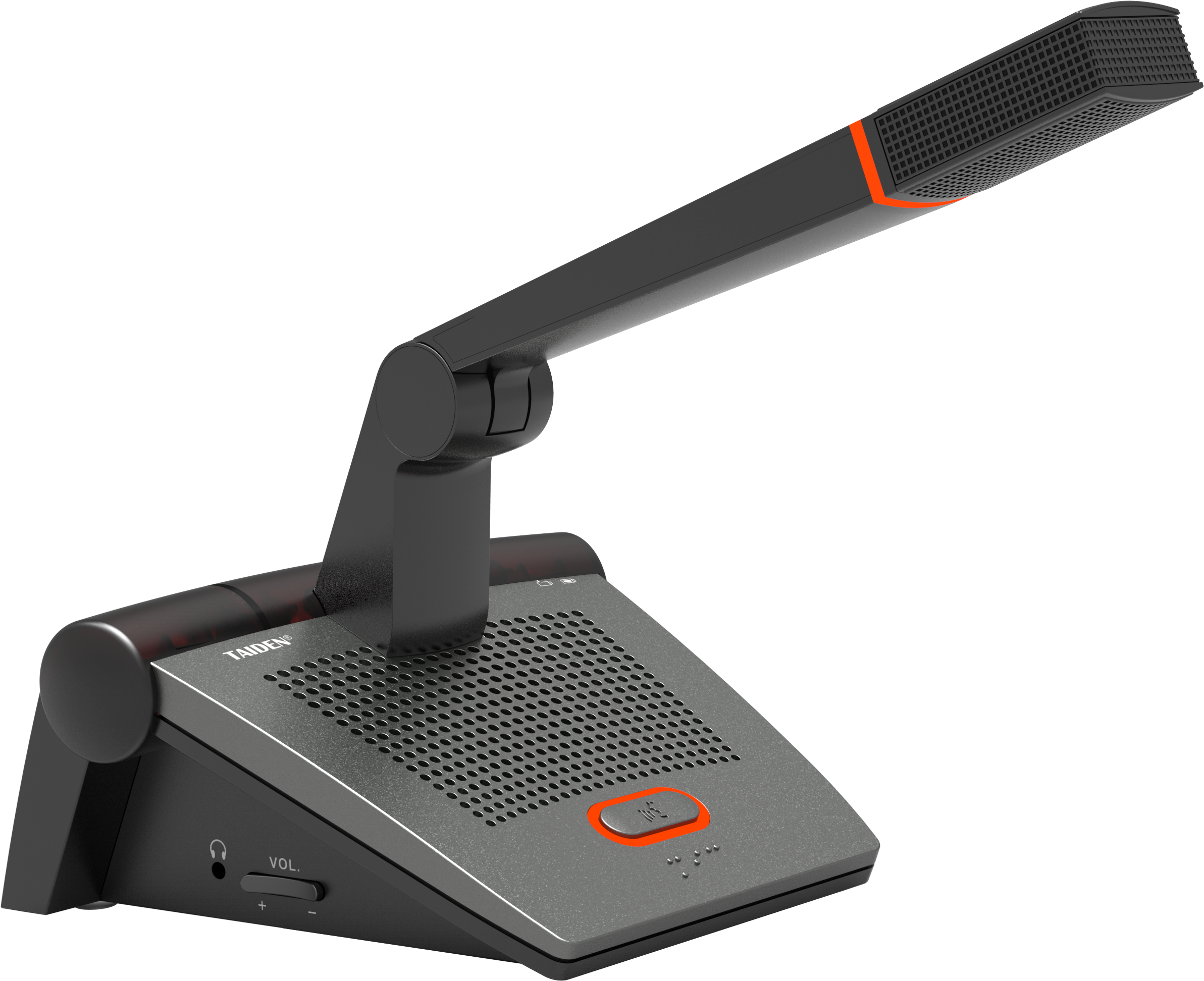
Now, shift the angle. The fix isn’t “more features,” it’s smarter foundations. New systems treat the room like a small network with rules, not a pile of gadgets. They use coordinated radios that scan and hop channels before trouble hits, not after. They run adaptive beamforming so each talker’s voice rides above HVAC rumble, even when chairs move. Some host edge computing nodes inside the base station to run low-latency DSP and error correction locally—no cloud round-trips. Others leverage OFDMA and scheduled uplinks, so each wireless conference microphone gets a predictable timeslot, which cuts collisions and keeps syllables intact. Small detail, big impact.
Compare that to legacy setups: they rely on a static channel, best-guess gain, and a prayer that no one next door starts a video call. In newer designs, spectrum planning is continuous, encryption is on by default, and battery telemetry is visible at a glance. You also see better coexistence with Wi‑Fi 6/6E, DECT or other licensed bands, plus auto handoff to cleaner slices when the RF floor rises. The difference you feel is stability. The difference you measure is lower round-trip latency, steadier SNR, and fewer human interventions. And when the platform centralizes firmware and policy, mixed fleets behave like one system—less drift, fewer “why today?” mysteries.
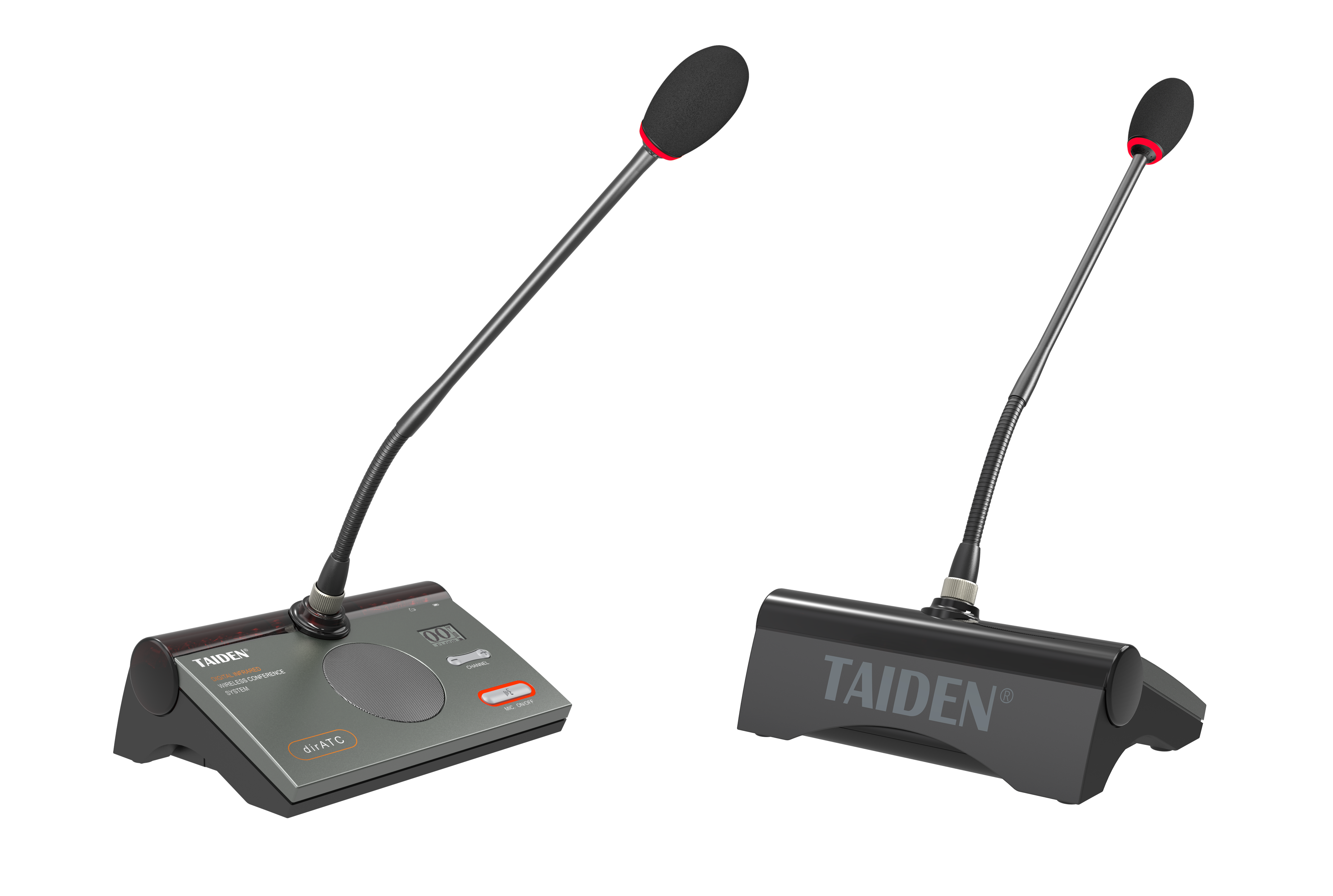
So, how do you pick without getting lost in spec sheets? Use three practical metrics. 1) Reliability under pressure: ask for stress-test data—packet loss at 30 devices, latency jitter, and recovery time after a forced interference event. 2) Manageability at scale: require centralized updates, live battery analytics, role-based access, and clear QoS profiles. 3) Audio integrity in real rooms: demand demos with beamforming, echo cancellation, and noise suppression running against HVAC and laptop fans, not just quiet labs. If a vendor can prove those three with logs and recordings, you’ll ship fewer backups, and your team will start on time—every time. Mwen kwè sa. For a benchmark in this category, look at brands like TAIDEN that align design with these principles and keep the learning curve gentle.